01
Import on your phone
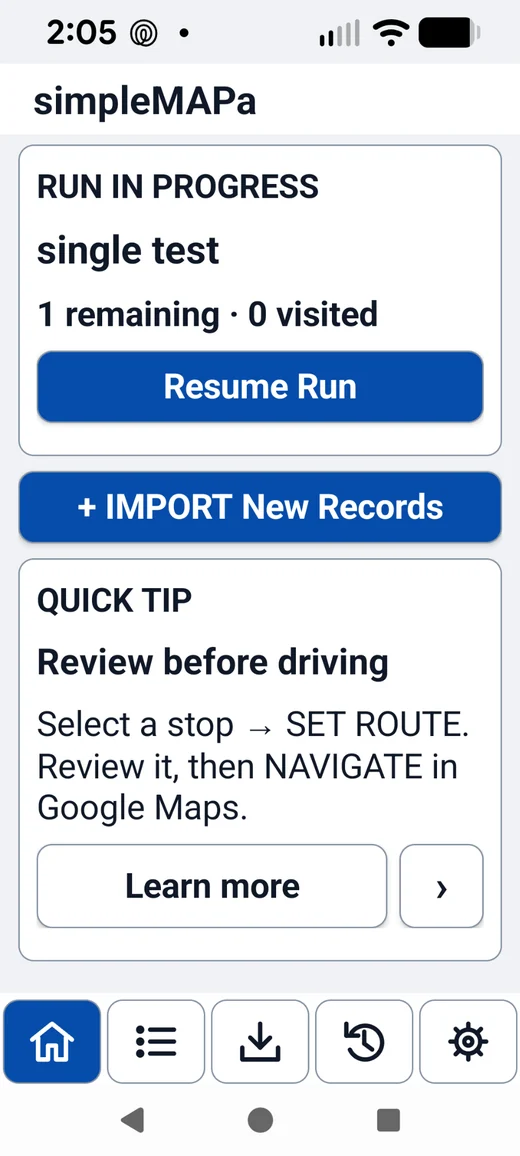
Open a file in simpleMAPa. Your list is stored on your phone. During import, address text may be sent to the app’s separate parser service.
LISTS SAVED LOCALLY ON YOUR PHONE.

Bring your stops into simpleMAPa, choose where to go next, and open navigation when you’re ready. Prepare a messy list on your computer with the Workbench below.
Open a list on your computer. Review and correct the rows, then pair with your phone to transfer the finished list directly.
Try editing a cell or use your own CSV, TXT, or pasted table. Country-specific checks happen after phone pairing.
| Status | Name | Address / description | Unit | Locality | Region | Postal (if any) | Phone | Include |
|---|
Interactive design mockup. CSV/TXT parsing and editing run in your browser; Excel parsing, QR pairing, encryption, and device transfer are future implementation work. No file or rows are sent by this preview.
After import, simpleMAPa keeps your places on the phone. Review your route, pick a stop, and open navigation. The workbench prepares text records; mapping and geocoding belong to the phone app.
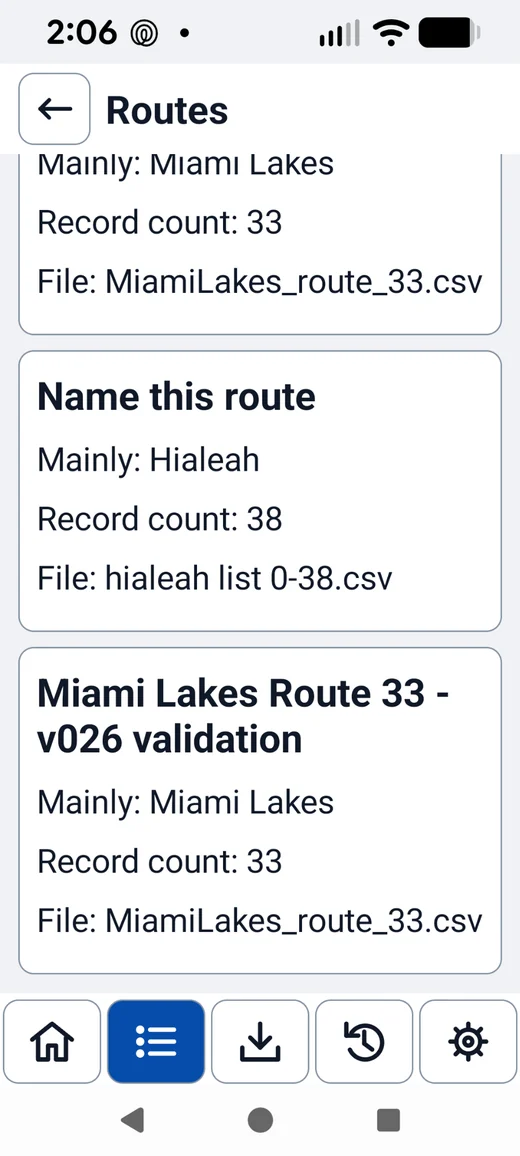
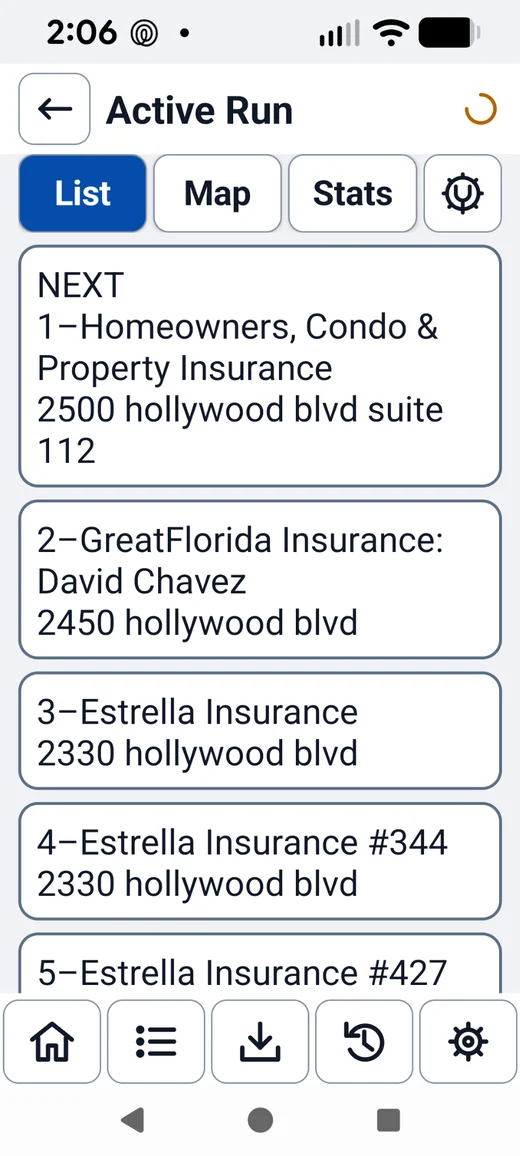
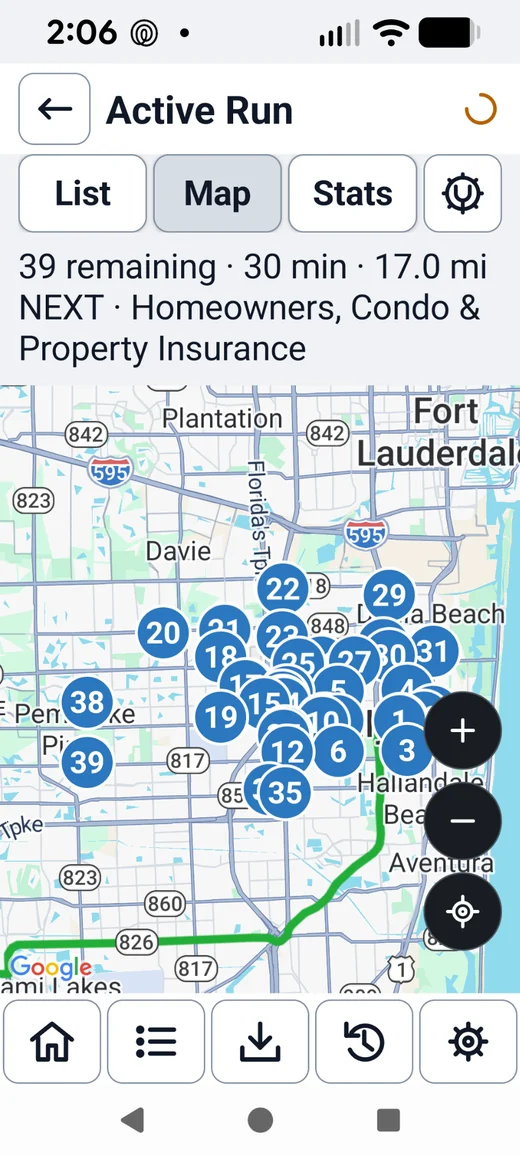
The map above shows the Android app. The desktop Workbench does not display a map or geocode addresses.
Open a file in simpleMAPa. Your list is stored on your phone. During import, address text may be sent to the app’s separate parser service.
Review the file locally in your browser. The planned private transfer sends the finished list directly to your phone after one-time pairing.
The direct transfer and pairing service described here are proposed features. Direct connections can fail on some networks; the planned flow offers a local export or phone import in that case.